Selective Color
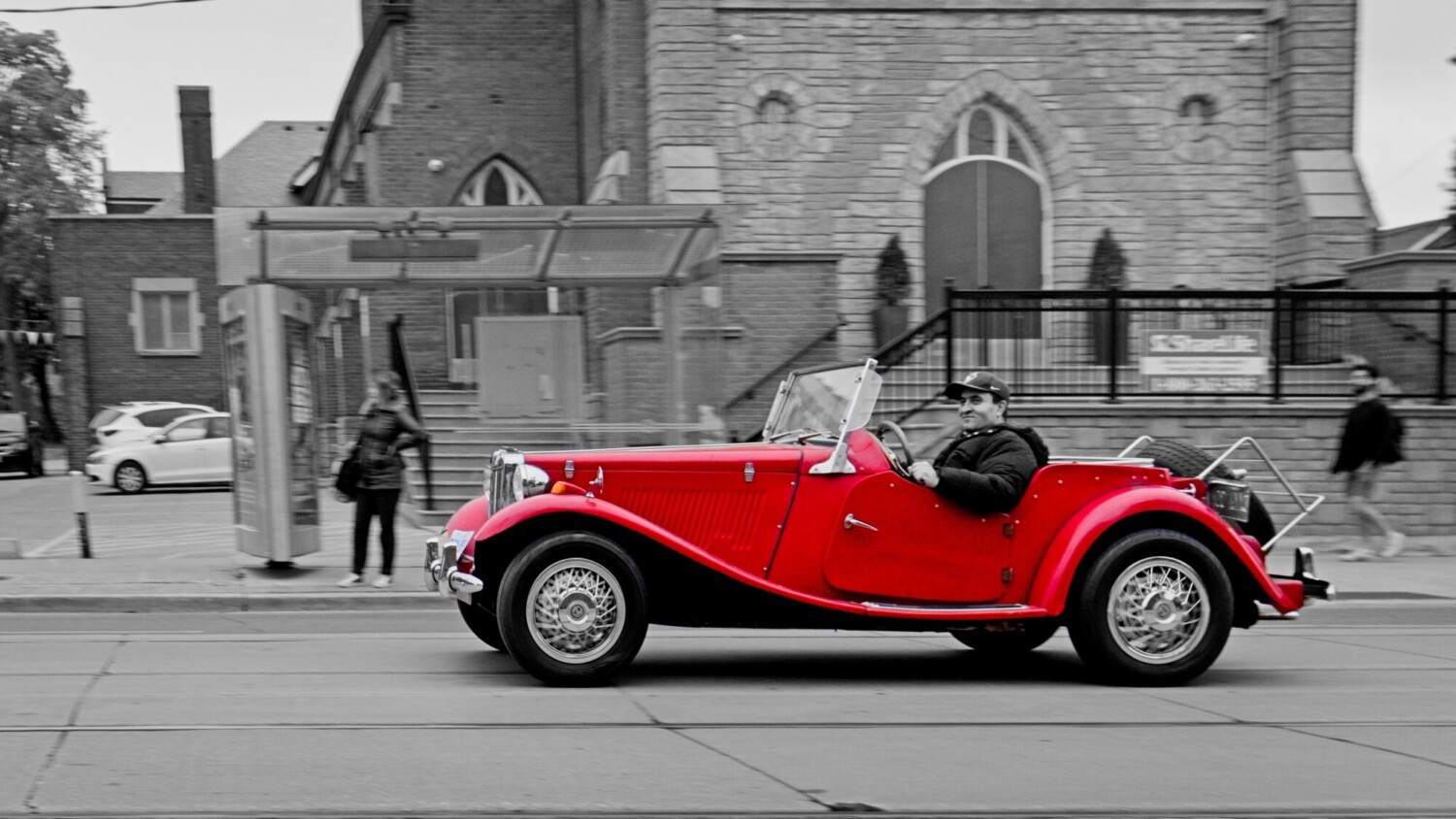
Selective coloring applied only to the car. Everything else is monotone.
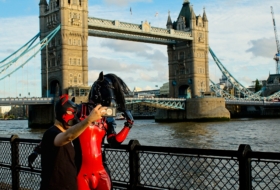
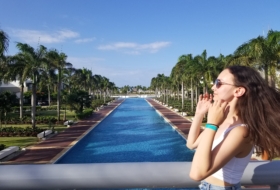
Selective color or color popping is an editing technique where an image is converted to black and white except for one object usually with a single color. The result is a bold contrast that naturally pulls your eye straight to the main subject. In this article, I’ll walk through what color pop is all about, how you can achieve the look, and share some practical tips.
I am not a fan of selective color because to me it feels contrived and over the top. However when done correctly it can make for a striking image. However I have seen many images that selective coloring was done in a sloppy manner ultimately detracting from the final result.
By this I mean that in creating the selective color all color sliders but that color are desaturated. This does highlight the color, but it also leaves that hue in other areas of the photo resulting in an image that feels incomplete and rushed.
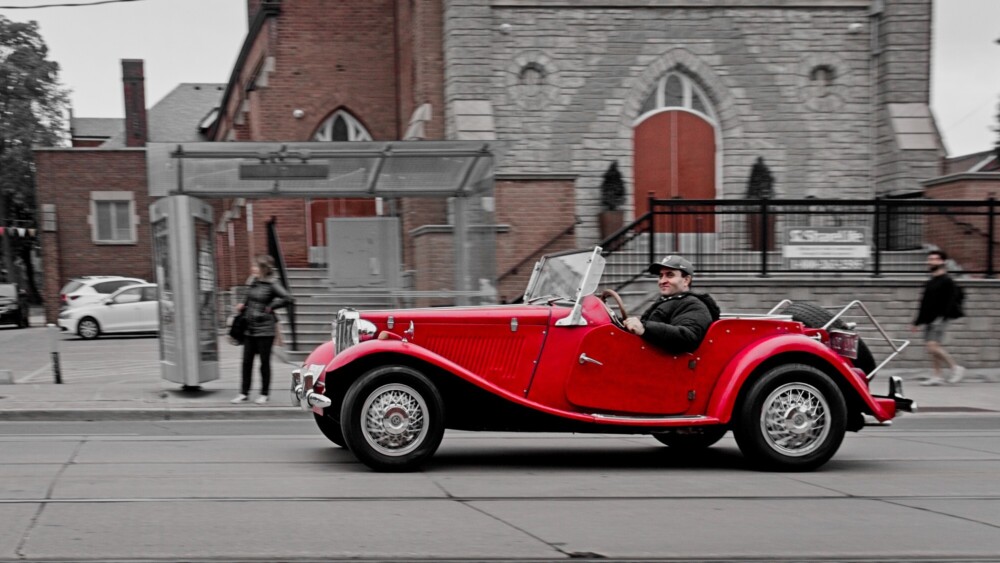
Desaturating all but red is lazy and results in distractions with the door and brick of the church in the background
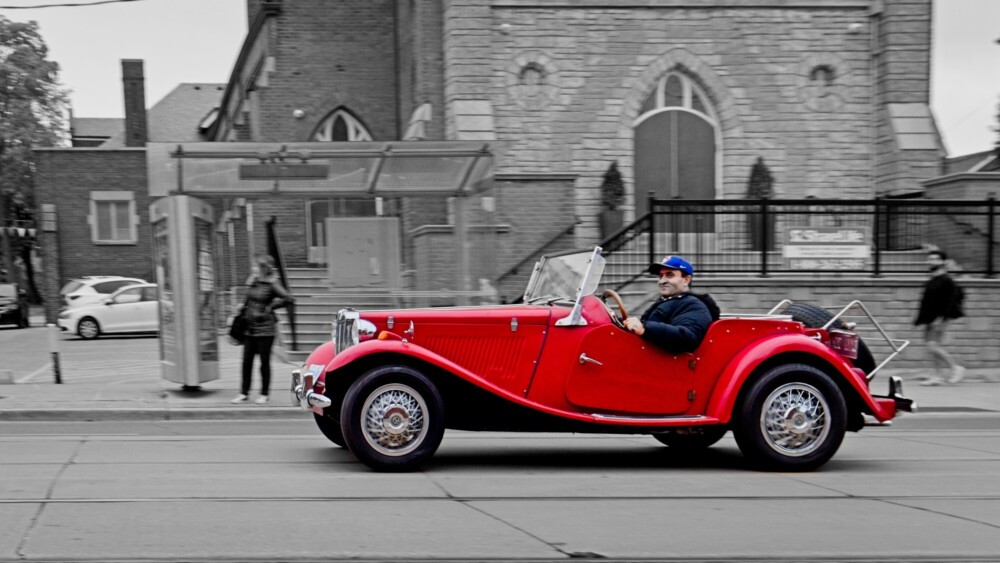
Using a mask the entire car and driver remain in color. Optionally keep driver black and white like the first image at the top of this post.
A better approach would be to convert the entire image to black and white and then create a mask around the object to highlight to keep that in color.
Selective color only really works when the image is already strong to begin with. It needs a clear subject, a simple background, and a single color that actually matters to the frame. Relying on global desaturation almost always looks lazy. Careful masking gives you far more control and keeps the effect from bleeding into areas where it doesn’t belong. When the scene depends on the effect to create interest, it usually falls apart, turning selective color into a distraction rather than a deliberate choice.
Suggested Articles